


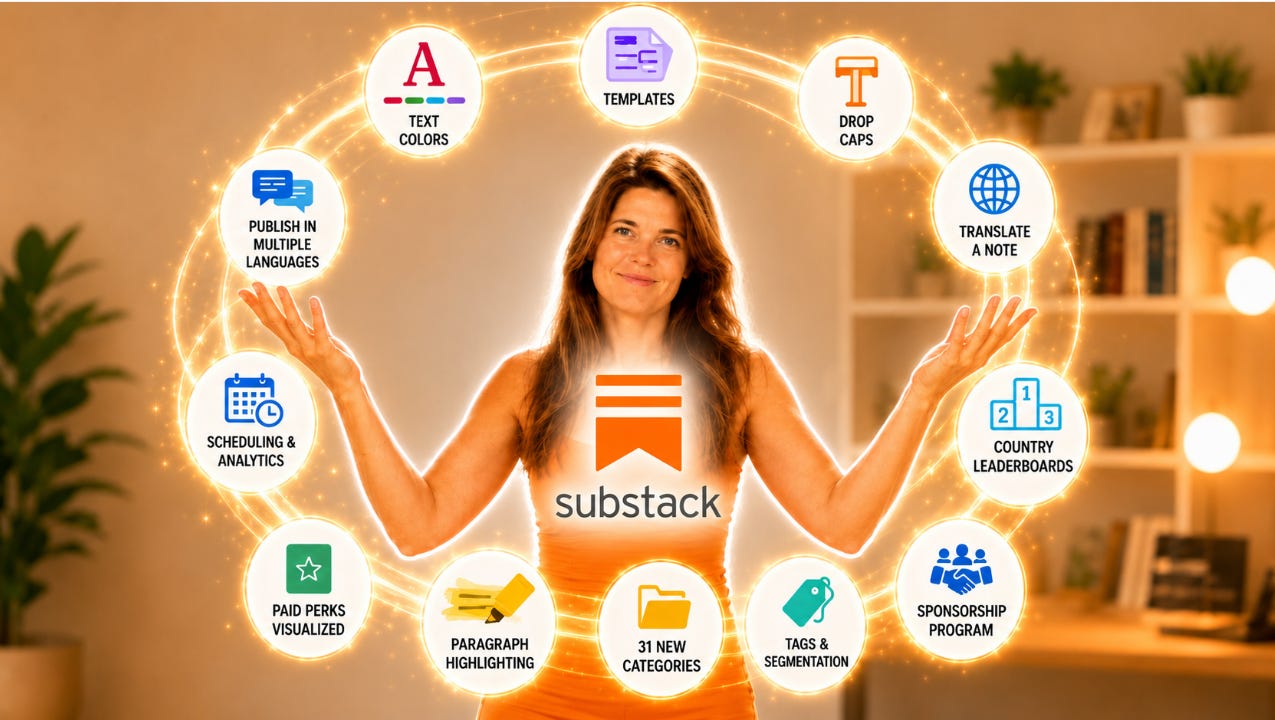
You don't need the perfect setup to start writing your newsletter on the internet streets. Just the itch to write and a bit of curiosity.
And now with Substack’s new features things got even better. These new features is something we gonna talk about tomorrow in our LIVE this time for ALL paid subscribers.
You’re invited to talk with me about….
paid perks on Substack
making money on Substack
all the latest new and shiny Substack features.
Not a Club member yet? Join the Club in the next 12 hours to join our LIVE event: Get paid to be you! on Friday + get the full membership experience with ALL writing classes + the Substack for Beginners course
… for just $70 or $7 this summer!
#1 Text color: stop the scroll
If you’ve been following me for a while already, you know I introduces you to text highlighting already. This new feature lives together with the new text colours right in the formatting toolbar when you create a new post.
Select any stretch of text and you can now change the color of the words themselves, the kind of small touch that makes a key line actually stop the scroll instead of blending into the wall of gray.
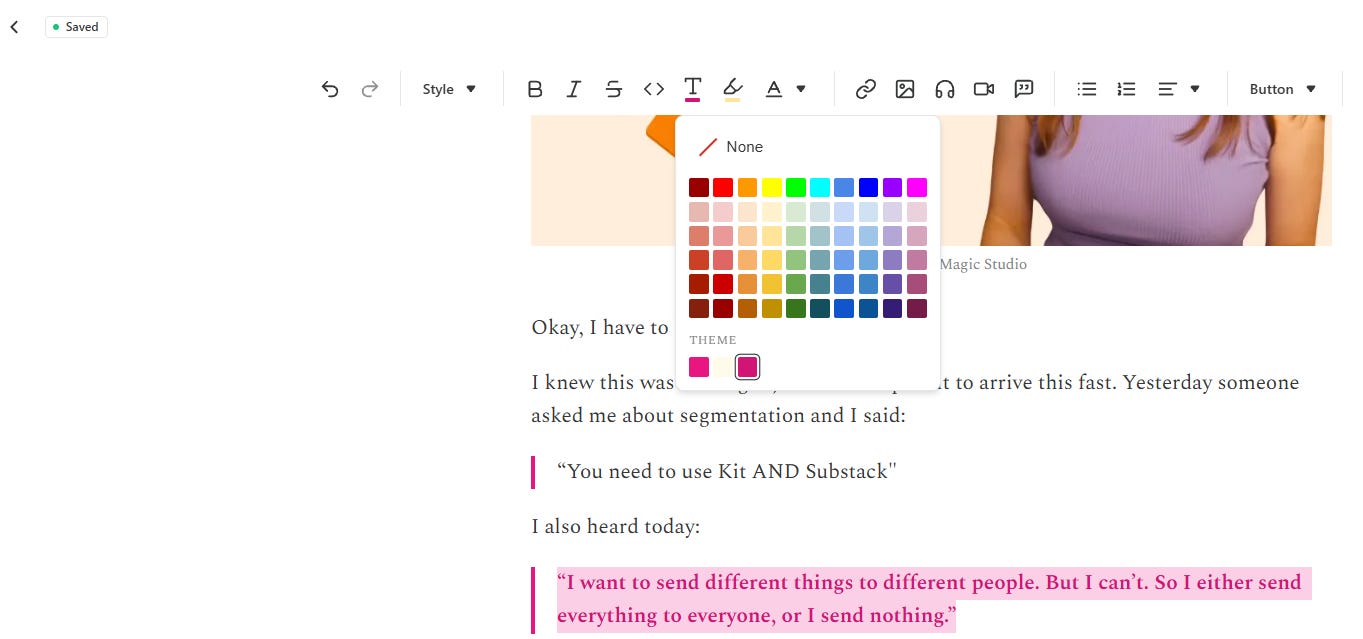
My take: Used sparingly, they're great for emphasis, pull-quotes, or steering the eye to the one sentence you really want people to read. Used everywhere, they'll make your post look like a ransom note, so go easy.
Here’s how to access: yoursubdomain.substack.com/publish/post (see what I did here?!)
#2 Templates: stop retyping the same stuff
If you find yourself typing the same things over and over, a preamble, a disclaimer, a call-to-action, a section intro, a signature block, an affiliate disclosure, Templates might become your new favorite feature.
Templates are reusable blocks of content you can drop into any draft in a couple of clicks.
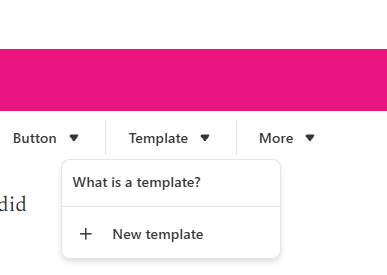
You build the block once by clicking on Template in the formatting toolbar in your post editor:
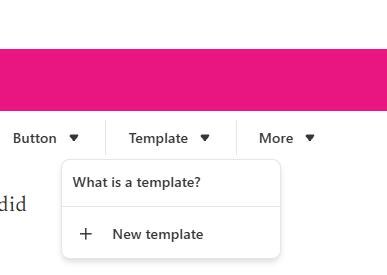
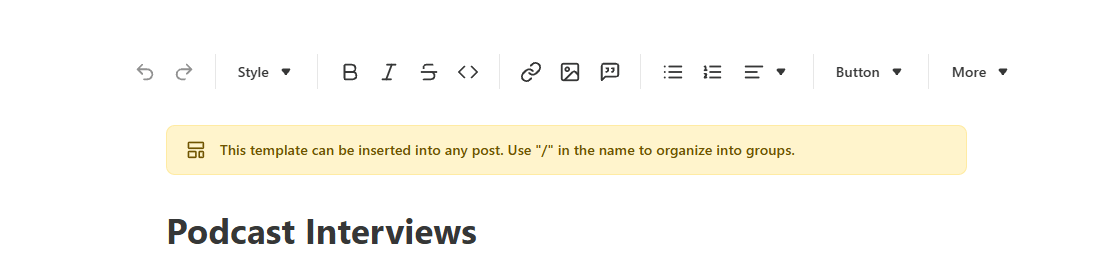
Click on New template
save it, give it a name,
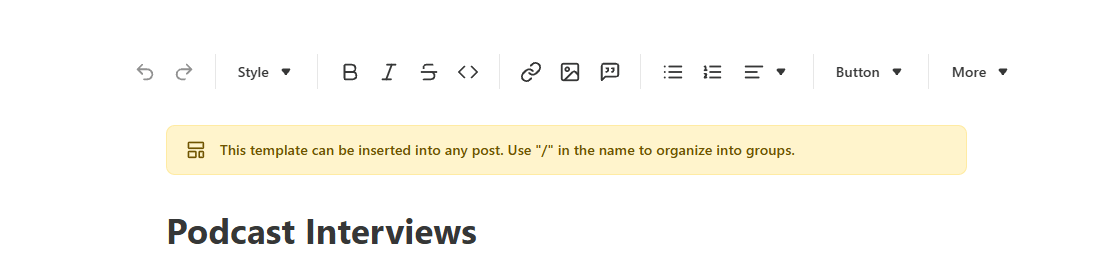
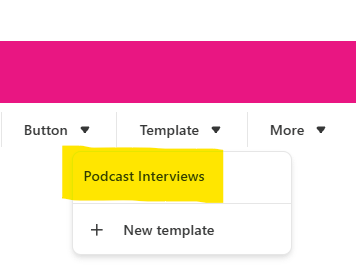
and then pull it into future posts whenever you need it.
My take: No more digging through old posts to copy-paste your standard sign-off or your “please subscribe” pitch. Build it once, reuse it forever.
Here’s how to access: yoursubdomain.substack.com/publish/post
#3 Drop Caps: that big first letter
Want your posts to open with a large decorative capital, like an old novel? That’s a drop cap, and Substack now supports it.
It’s a global setting rather than a per-post one.
Head to your Dashboard_Settings_Website editor tab,..
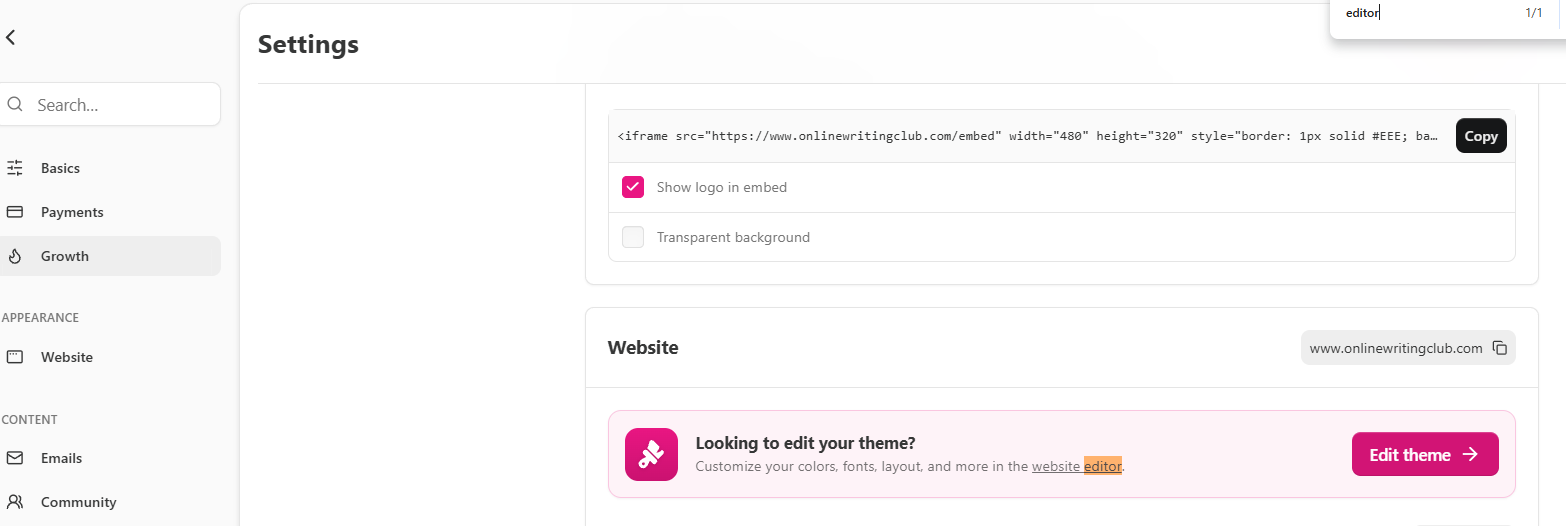
flip the Drop caps toggle on, and save.
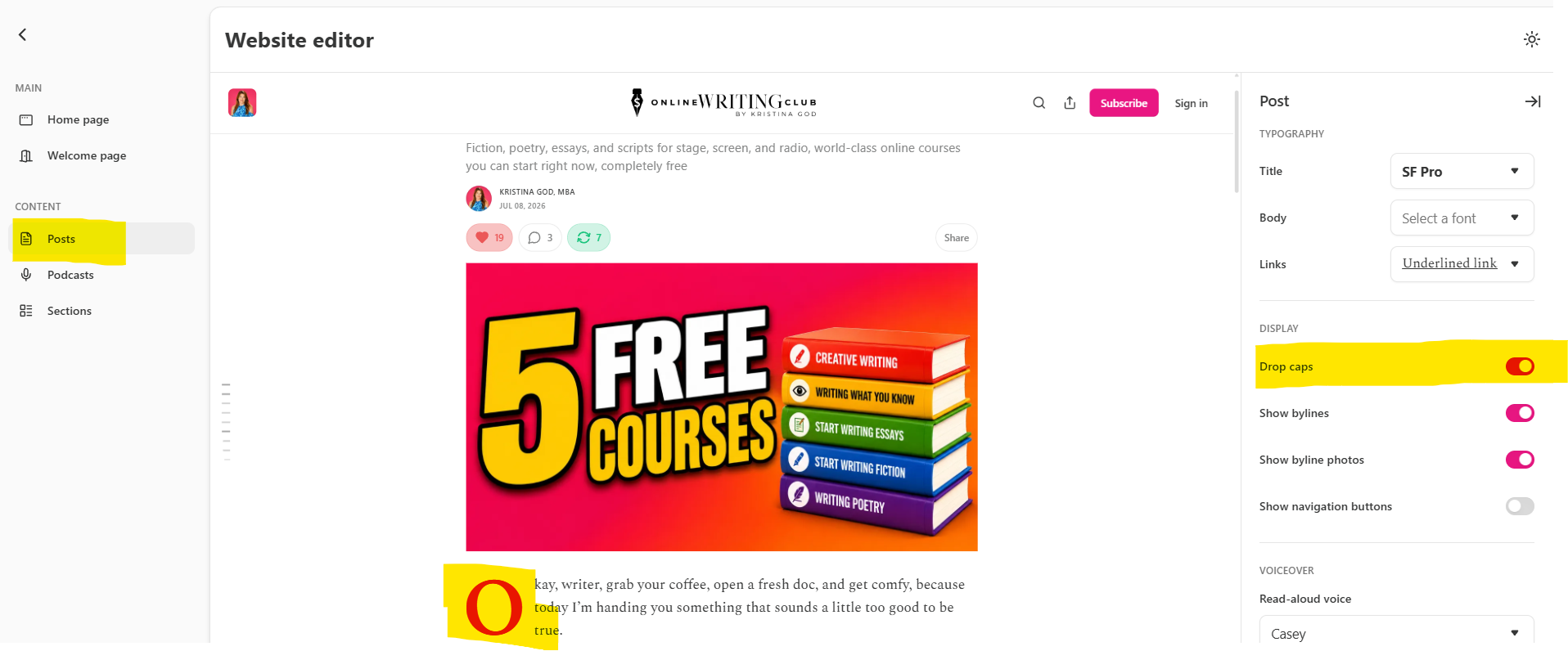
From then on, every post, past and future, opens with that oversized first letter on the web!
My take: One caveat worth flagging: drop caps only show up on the web version of your posts. They won’t appear in the email newsletter or in the Substack app, so don’t rely on them to carry anything essential and remember it’s applied to all your posts, not the one you’re working on.
#4 Translate a note: meet readers in their own language
Substack now lets you publish the same post on Notes in multiple languages, and readers automatically see the version that matches their device's language setting.
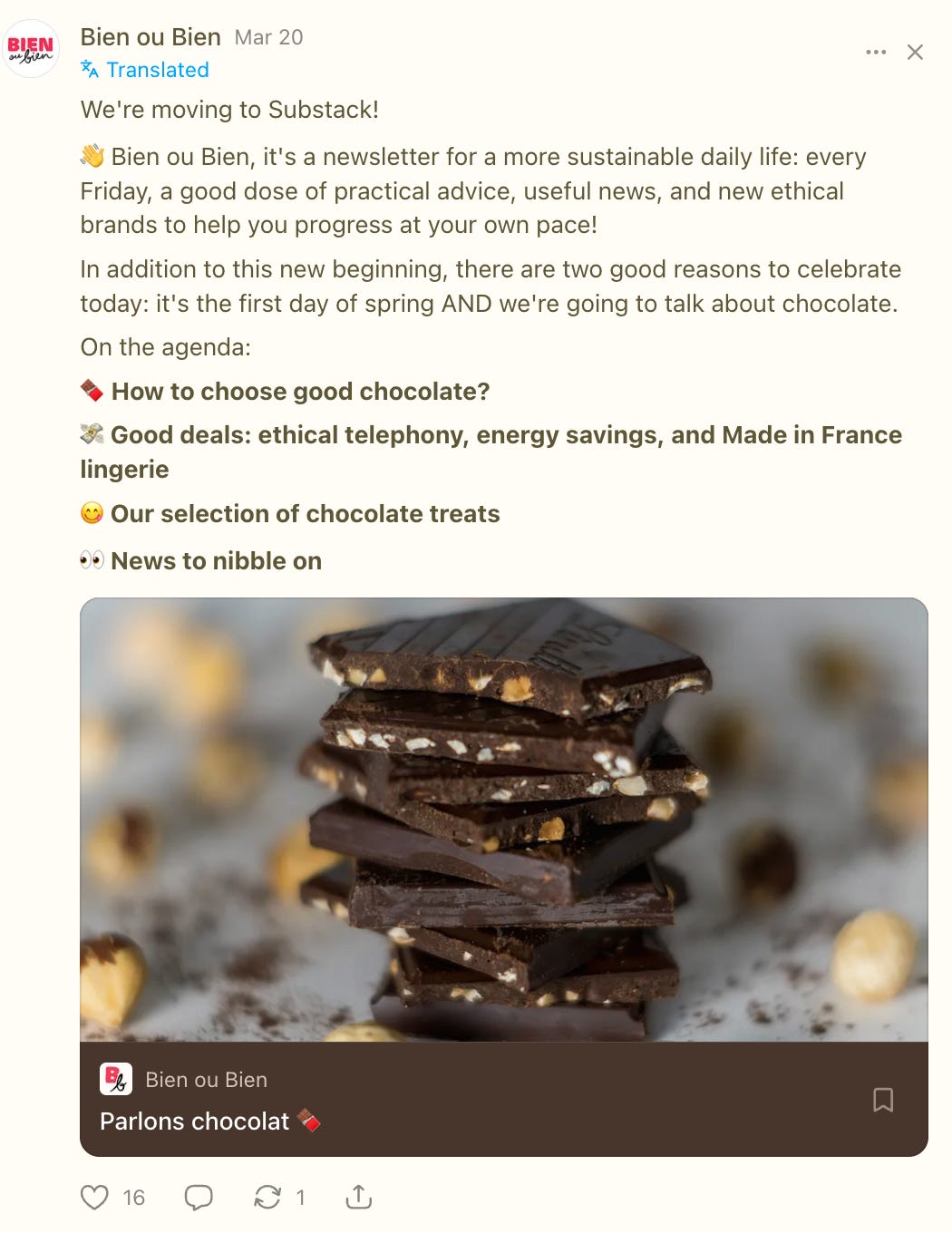
My take: pretty cool for all non-native who want to be read in multiple languages insted in English only
#5 Publish a post in multiple languages
Substack now lets you publish the same post in multiple languages, and readers automatically see the version that matches their device’s language setting.
To turn it on, go to your publication Dashboard_Settings_Basics.
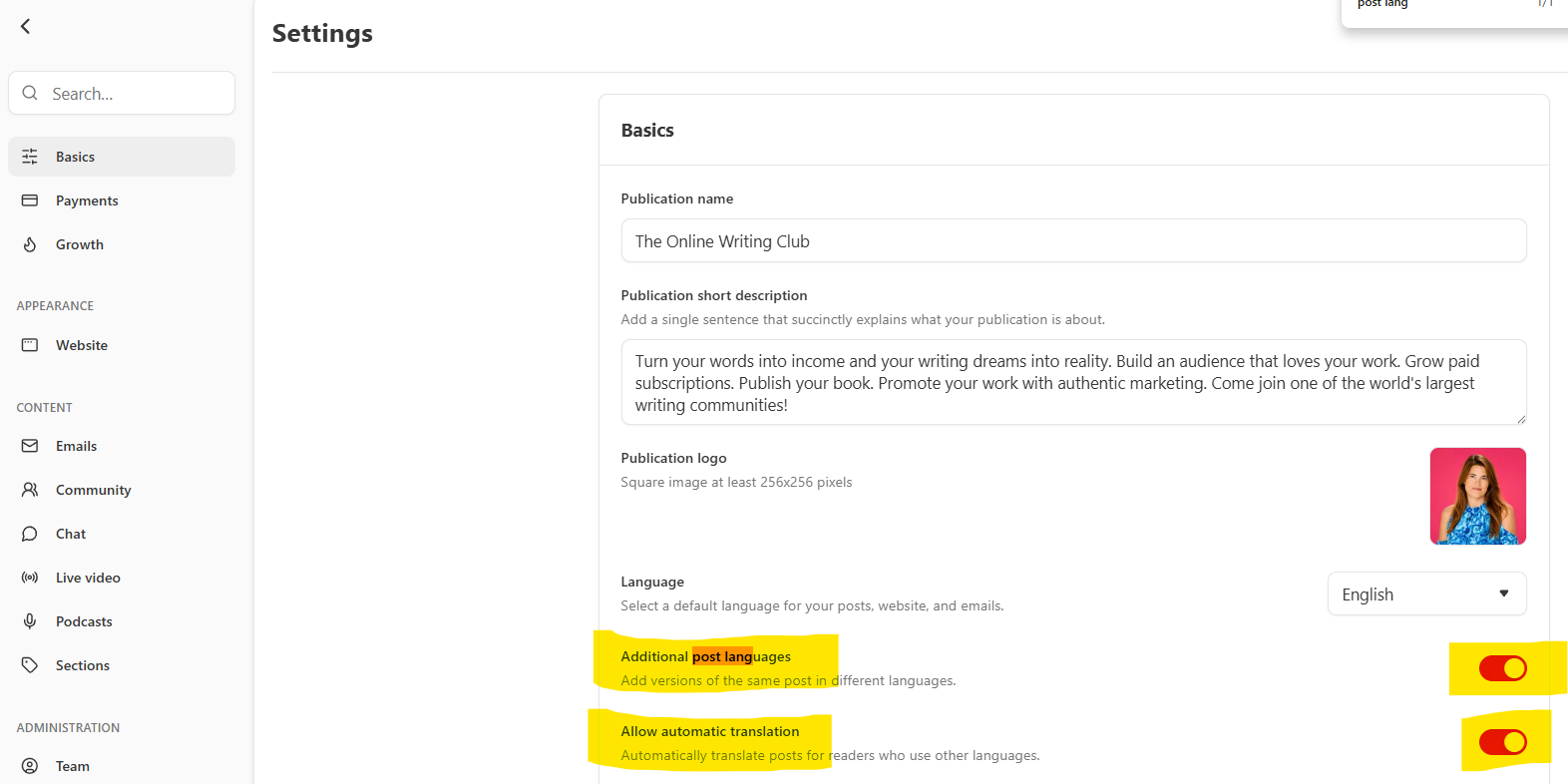
Switch on both Additional post languages and Allow automatic translation.
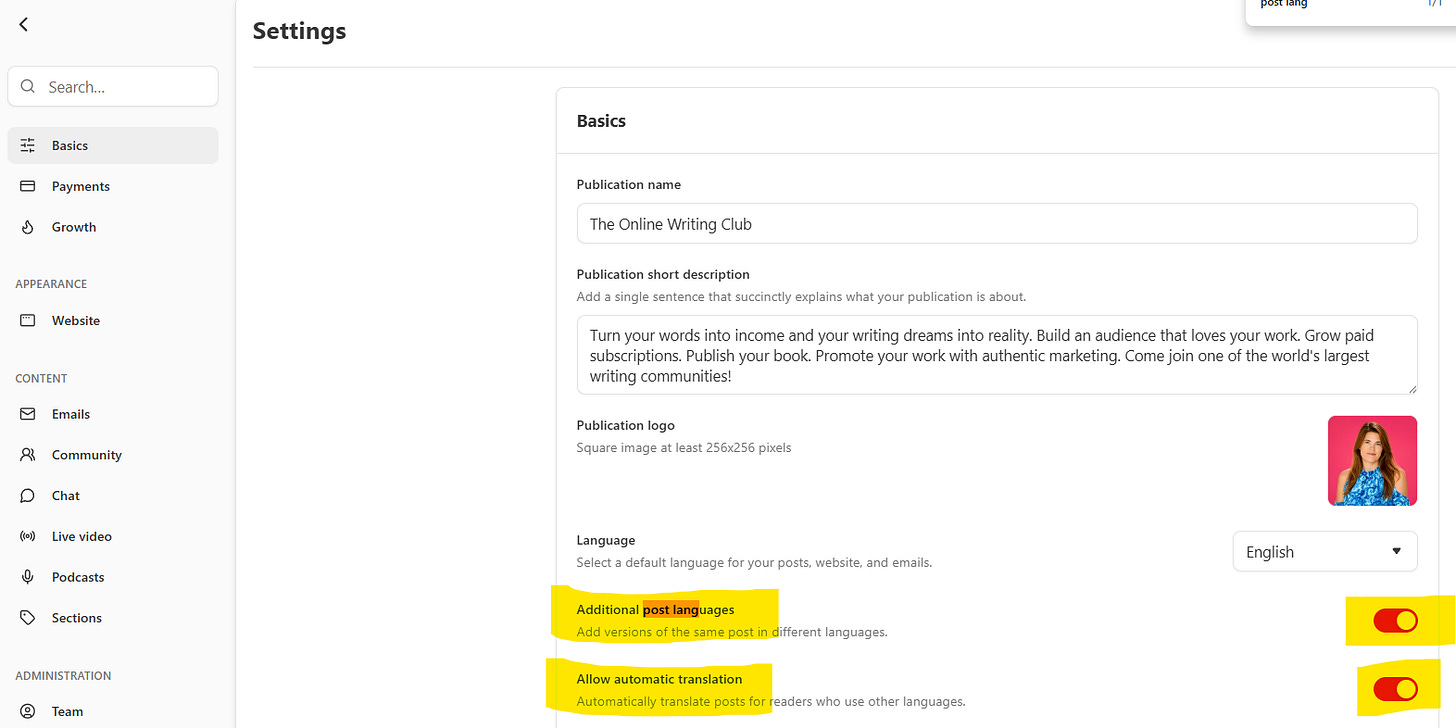
Then, when you’re drafting, the editor detects your post’s language and gives you a Languages menu above the title. Pick from the 18 supported languages and write a custom translation for each one you want to offer.
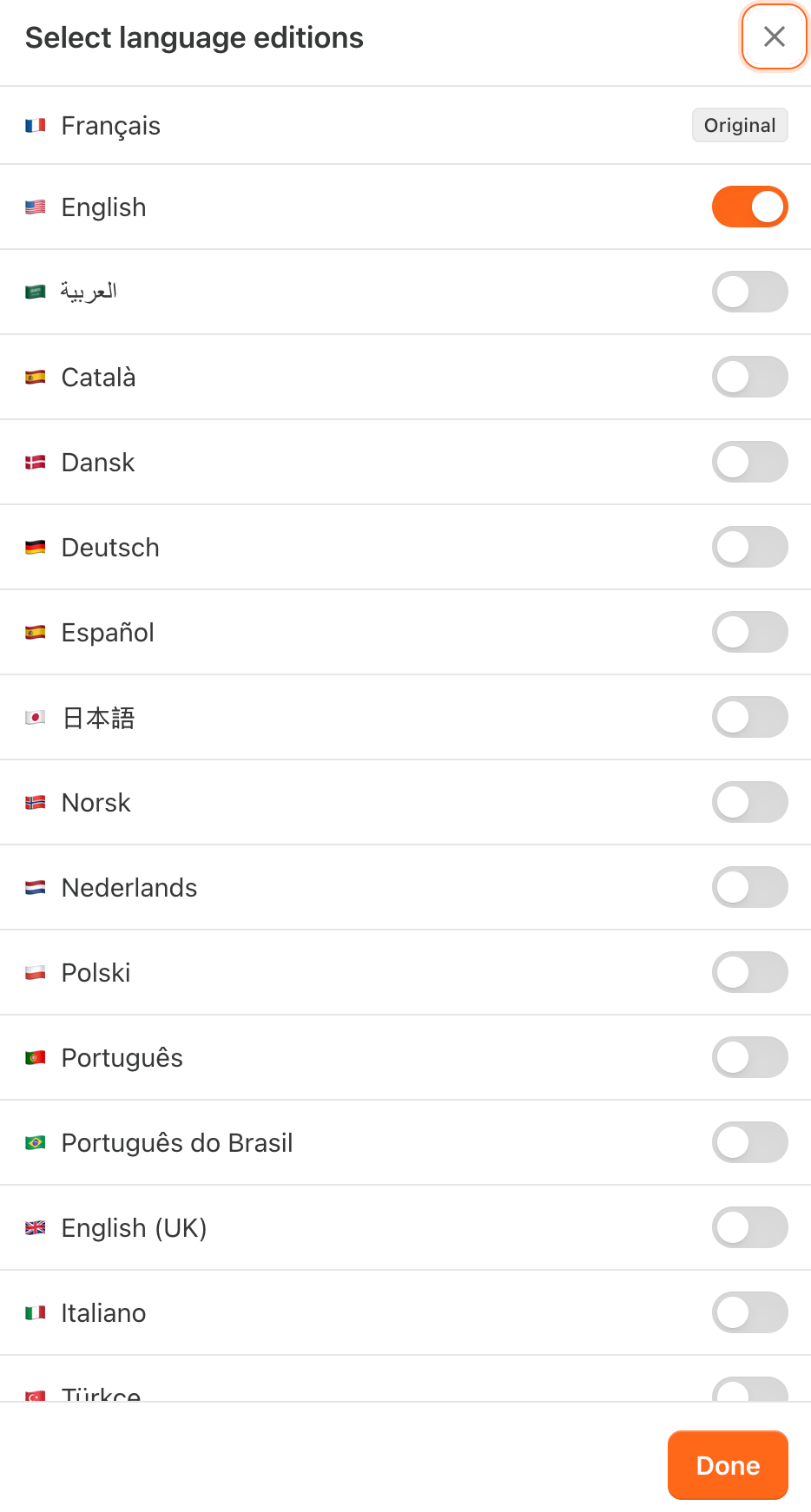
My take: The language you draft in becomes the default that goes out by email and shows in the app. And even if you don’t write a custom version, readers still get an automatic machine translation into their preferred language (as long as you’ve left auto-translate on), the custom versions just hand you control over the wording instead of leaving it to the algorithm.
One limit: on the web, custom translated posts only appear in the Substack reader (when someone opens a post from their inbox or a note), not on your standalone site!
#6 Country leaderboards - rising bestseller in your country to get discovered locally
Not everything new is about how your post looks …some of it is about who finds it. Substack’s leaderboards rank publications by category to help readers discover new voices. There are now country-specific leaderboards too. Here you can see my friend Fleur Hull. (Psst! Join our Substack for Authors Bootcamp in 2 weeks!)
A quick refresher on how the rankings work: each category (sports, business, fiction, and so on) has two views.
Rising highlights the fastest-growing publications by paid-subscription growth and refreshes every few hours
Top Bestsellers ranks the highest earners by annual recurring revenue and updates daily. It’s all automated, you don’t apply, and you’ll get a notification if your publication lands on one.
The new part is geography. Right now, readers and creators located in the UK, France, Italy, the Netherlands, and Spain see leaderboards for the country they’re physically in, 50 spots each on the Rising and Top Bestseller lists.
So someone reading in Madrid sees the Spain lists. Which country you’re eligible for is tied to your Stripe account’s country, and your country rank shows on your profile whenever it beats your category rank.
My tip: Two settings worth knowing. If you’d rather not appear, there’s an Opt out of country leaderboards toggle under Settings_Privacy. And if you’ve been assigned the wrong country, only possible among the ones with leaderboards enabled, you can click Learn more next to that toggle and request a correction.
I'd love to have you on the inside this summer. Two easy ways in: catch me live tomorrow at 11am PT, 2pm ET, 7pm London for "Get Paid to Be You on Substack" — free, 30 minutes, everyone welcome — and grab the summer rate while it lasts: €7/month or €70/year.
After this, the price goes back up.
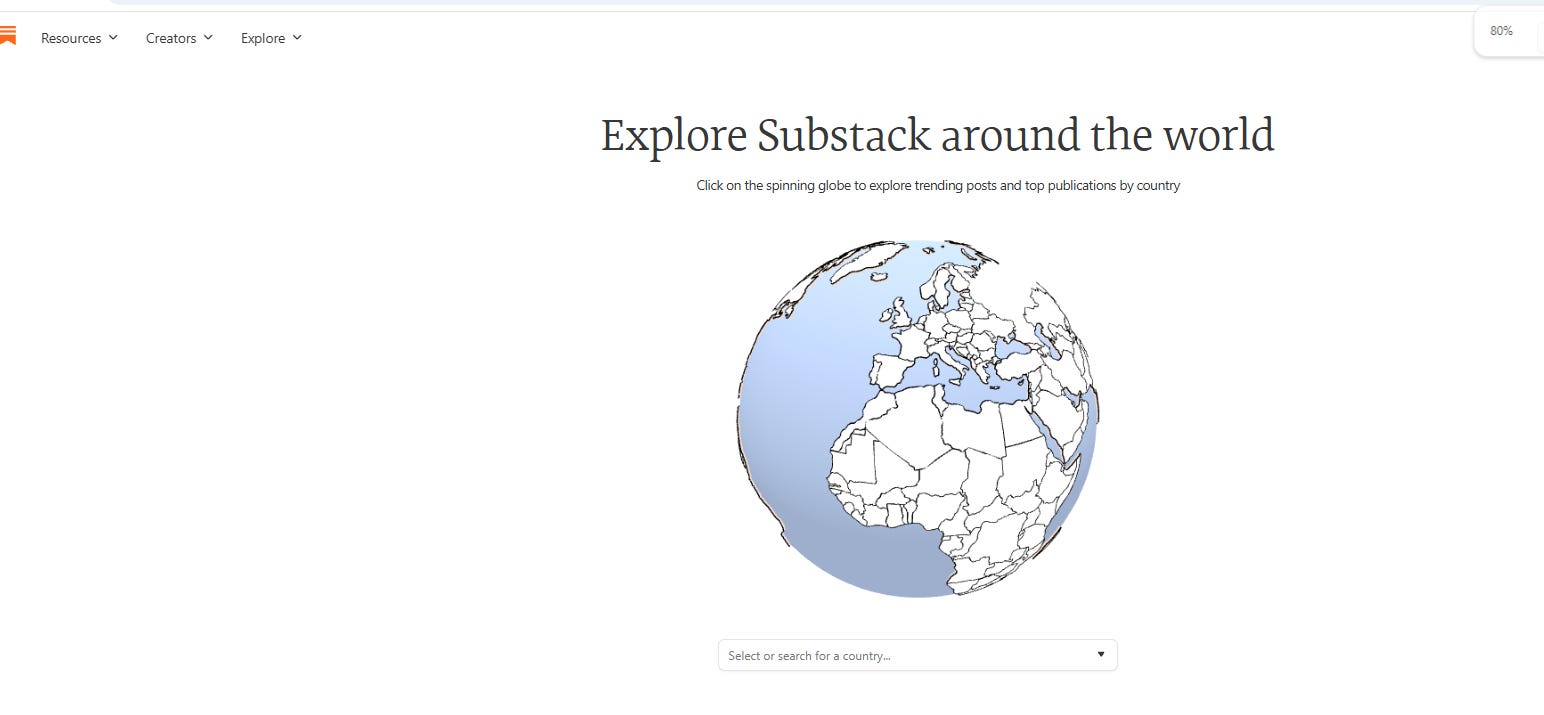
And if you just want to browse, Substack Around the World (substack.com/globe) lets you pick from 50+ countries and see the top publications and trending posts in each!
#7 Scheduling and analyzing Substack Notes

Here you can access StackBuddy for FREE: stackbuddy.io
#8 Sponsorship Program

#9 Paid perks visualized

#10 Highlighting of paragraphs

#11 Substack’s new 31 categories

#12 Substack tags and segmentation

🎟️ Friday, 11am PT, 2pm ET, 7pm London: "Get Paid to Be You on Substack."
A free, 30-minute live class on actually making money, open to every paid subscriber. Come live, bring your questions. And while you're in the mood to invest in your Substack, the summer rate is on:
€7/month or €70/year, this time only.
The ability to publish in multiple languages is a game changer. It really helps reach a wider audience. Drop caps add a nice touch too. Which feature do you think will be most useful for your writing?
I wanted to pay the 7.00 for the summer How do i do that,